
Most adult AI video platforms bolt generation onto a chatbot and hope the motion looks acceptable. Soulkyn takes the opposite route: video is treated as a core feature with its own workflow, its own controls, and its own billing rules. After walking through how the tool actually operates, the interesting part is not the quality numbers, it is the design decisions and what they give up.

No text-to-video, on purpose
The entry point is always a picture. You browse a gallery, pick an image, and hit generate video; the system animates what you already have. There is no box where you type a scene and get footage from nothing, which is unusual in a market where text-to-video is the headline feature everywhere else.
The logic becomes clear once you see the rest of the pipeline. Style control lives in image generation, where the platform offers sixty-three LoRA presets across twenty-three categories, stackable three at a time. You dial in the look when you make the still, then animate the result. Motion control lives in the video step, separately. Splitting the two problems instead of solving both from one text prompt is a cleaner mental model, and it explains why the video interface can stay so simple.
Four knobs, that is the whole control surface
Animation types — up to four per clip, chosen from a library. This is the primary motion control, and it replaces the prompt-heavy approach competitors use. A written scene description still goes on top.
Length — five or ten seconds, selected before generating. No slider, no per-second pricing math.
Quality — Fast renders at 480p with fewer inference steps; Detailed goes to 720p with more. The choice is per generation, so drafts and finals can mix freely.
Sound — the full mode carries audio and voice; a cheaper silent mode skips it. Sound is a switch you pay in credits for, not a default.
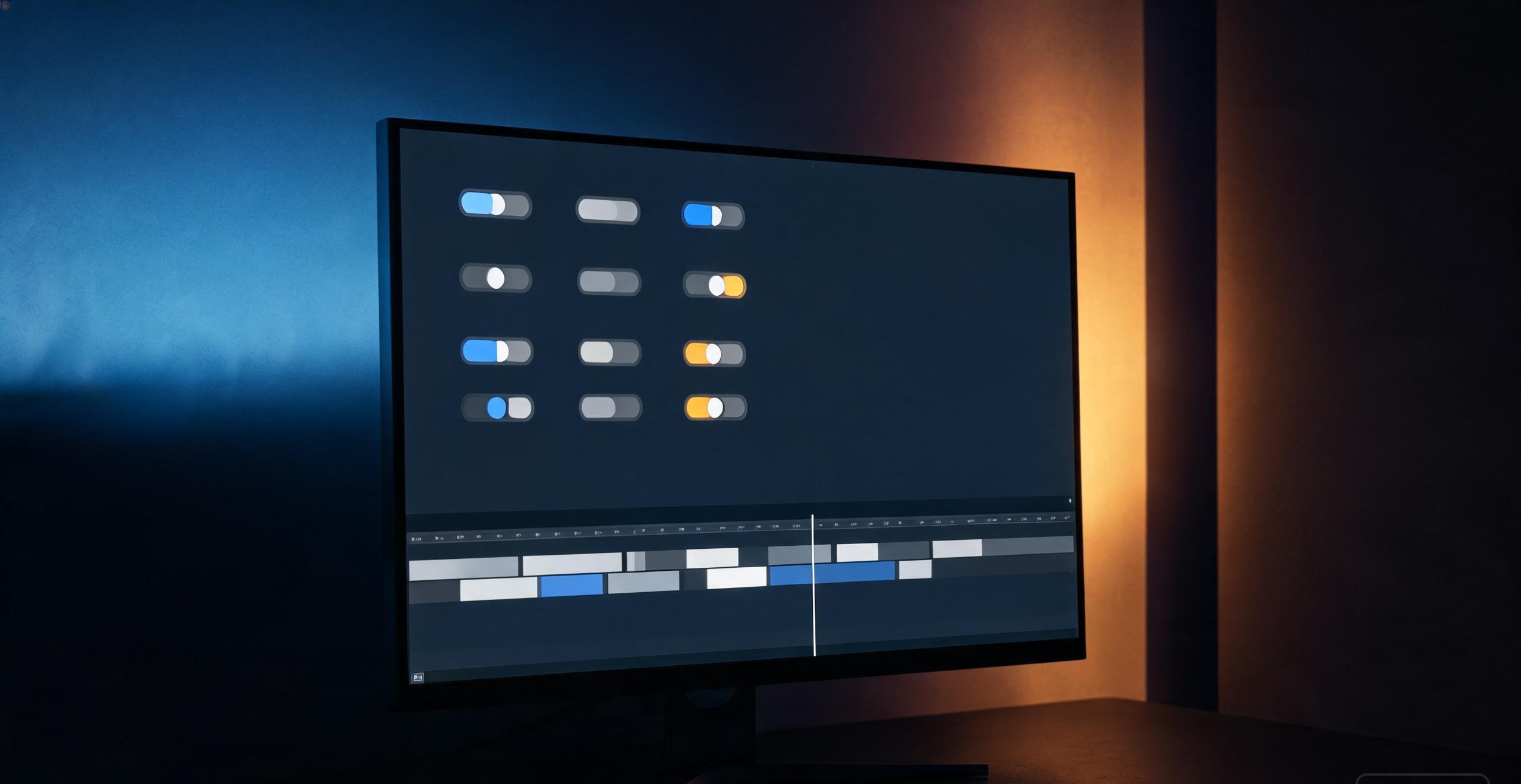
Compared to a general-purpose video model where you describe camera moves, lighting and physics in prose, this reads like a remote with four buttons. For a character-driven adult platform, that restraint looks deliberate: the audience wants a specific character doing a specific thing, not cinematography.
Background generation and automatic refunds
Video jobs run asynchronously. You queue a clip, leave the page, and a notification arrives when it finishes. The detail worth flagging: if a generation fails, the credits it cost come back automatically. On several competitors the policy is either silent or requires a support ticket, so a visible refund mechanism is a small but meaningful trust signal.
The pricing reality: video is never unlimited
Everything about this tool sits behind a premium subscription, and there is no free video tier at all. Within the paid plans, chat, images and voice can reach unlimited on the top tier, but video never does — every subscription level carries a video quota. That asymmetry is the honest answer to a cost problem every platform eventually hits: video inference burns GPU time at a rate text and images never approach, so unlimited video is not a generosity decision, it is an arithmetic one.
Before subscribing, the number to check is clips per month at your preferred settings, because ten seconds of Detailed video with sound will drain a quota far faster than five seconds of silent Fast drafts. The draft-then-final habit the interface supports exists for exactly this reason.
The one hard line, and why it matters
The platform's stance on content is broad with a single exception stated in plain terms: anything that depicts or implies an underage character, or behavior that reads as underage, is prohibited, and enforcement is removal of the character, an immediate account ban, and loss of access. Everything else adult is open; this is not.
That line is worth reading as a signal rather than a restriction. Services that enforce one clear, verifiable rule tend to survive payment processor reviews and stay online; services that advertise zero rules tend not to. For a subscription product, platform longevity is a feature.

The public video hub
Public clips collect in a hub organized by trending, fresh and most-watched, with playlists and per-video tags, already past a thousand entries. Subscribers view without blurring at full quality. For anyone evaluating the platform before paying, the hub doubles as a capability demo: the motion quality you see there is the motion quality the tool gives you, without a trial generation to spend credits on.
Who this fits
Soulkyn's video tool makes sense if your workflow starts from characters: you already generate or collect stills of a specific persona and want them moving with sound, without learning prompt engineering. It makes less sense if you want cinematic control, long sequences, or text-to-video from a blank page — those live on general-purpose models, at the cost of a far steeper interface. The four-knob design is either a relief or a cage depending on which of those two people you are.
