
The gap between an AI video that looks like a mistake and one that looks like a shot comes down almost entirely to how the request was written. Generators do not read intent; they read structure. This guide breaks the craft into the three vocabulary sets that actually move output quality — camera, light, and motion — then covers the settings layer most guides skip, using the current generation of permissive platforms like HackAIGC as the working example.
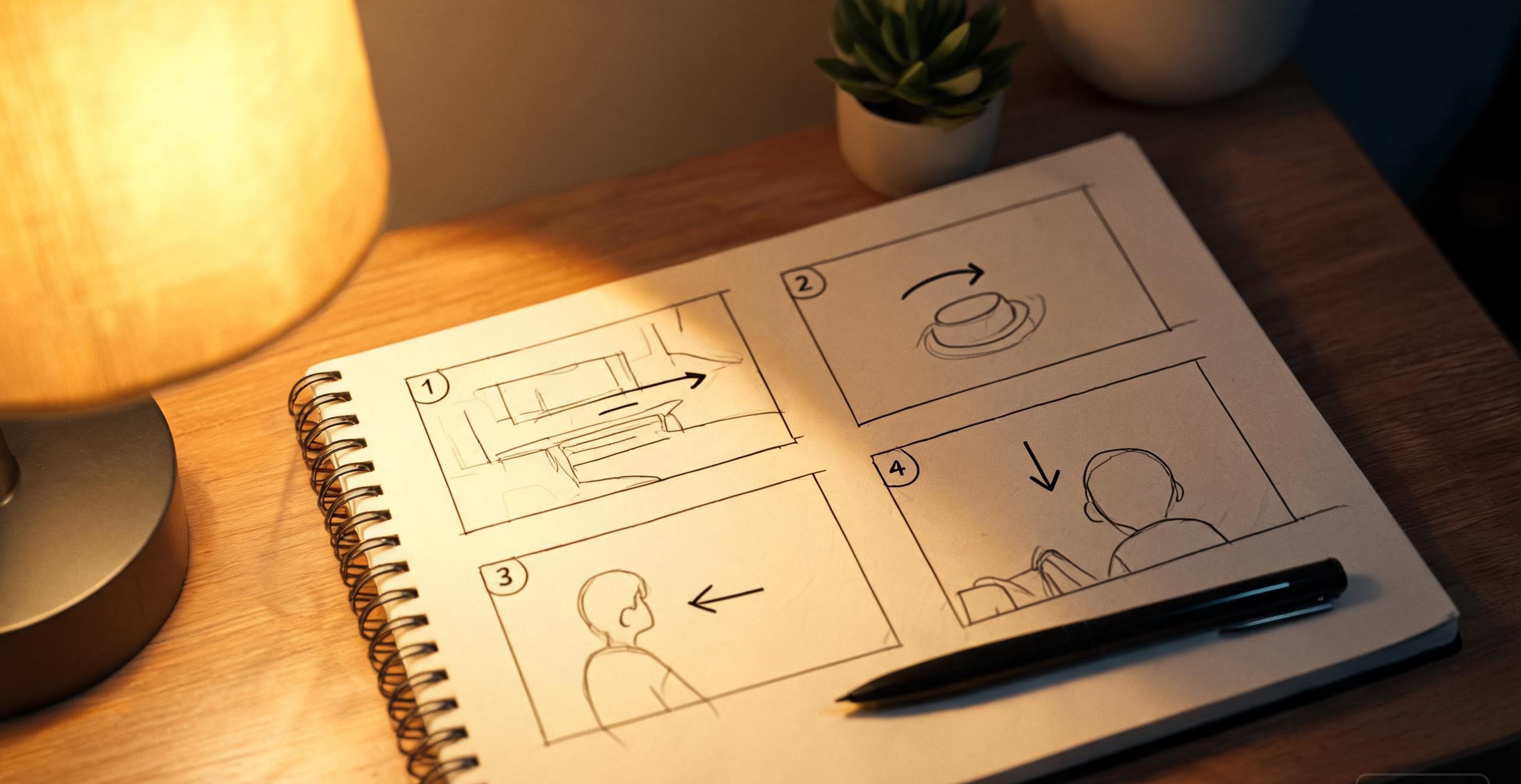
Start with camera language, not subject language
Most beginners describe what is in the scene. Professionals describe how the scene is filmed. The difference is decisive because camera terms are among the most reliably interpreted tokens any video model has, learned from millions of captioned clips where the phrasing correlates with actual framing.
A working vocabulary needs five entries at minimum:
Medium shot — waist-up framing, the default for character-focused scenes.
Close-up — face or detail filling the frame; powerful but overused, and it hides motion problems.
Slow pan — horizontal camera travel; the safest movement a model can execute.
Dolly zoom — camera moves while focal length compensates; dramatic, and only some models handle it cleanly.
Handheld — adds shake and documentary texture; useful for intimacy, a disaster over long clips.
One more term earns its place in adult and character work specifically: shallow depth of field. Background blur does double duty — it focuses attention where you want it and it hides the artifacts that models generate behind the subject.
Light and atmosphere are the style layer
After framing, the second-highest-leverage tokens describe light. Style words like cyberpunk, film noir, or golden hour work as shortcuts, but they bundle decisions you may not want. Naming the actual lighting is more controllable: soft glow, warm cinematic tones, neon reflections, rim light, practical lamps in frame.
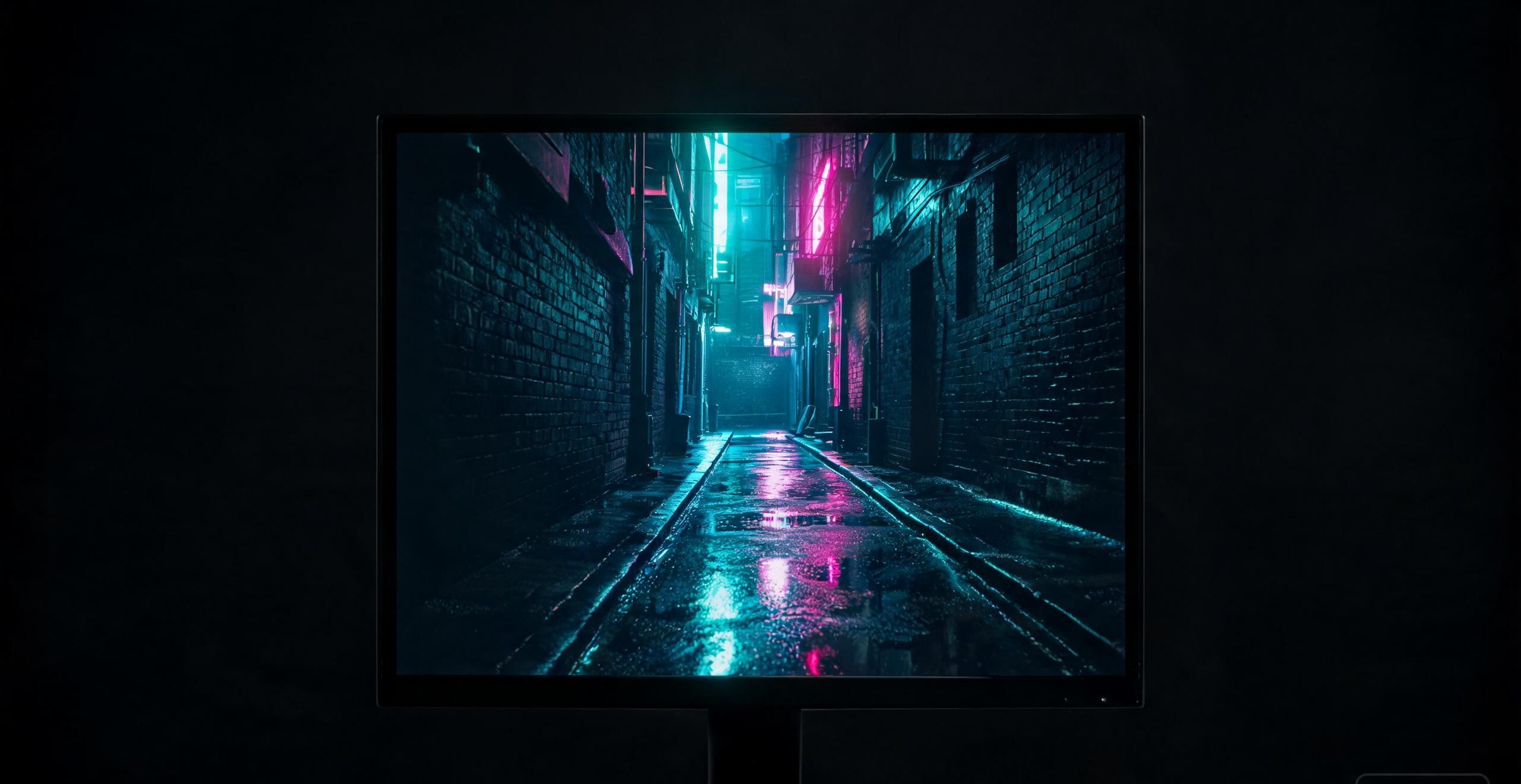
Compare two prompts for the same scene. The first names a genre: cyberpunk woman in a city. The second names a treatment: medium shot, wet alley, neon reflections on pavement, teal and magenta split lighting, slow pan left. The second is longer by a dozen words and produces something a director chose rather than a stereotype assembled. The pattern generalizes: replace adjectives with optics. Rain is a mood; reflections on wet asphalt are a render instruction.
Motion discipline: one verb per clip
The single most common prompt failure is stacking actions. A character runs, jumps, spins, turns and smiles in one sentence, and the model, which has a few seconds of physics to spend, delivers mush. The fix is boring and absolute: one primary motion per generation, described as a complete clause.
Instead of a five-verb chain, write: the character turns slowly toward the camera and smiles.
Instead of vague energy like she moves sensually, write the observable: hips sway to the beat, hair falls across the face as she looks up.
For image-to-video, describe the delta from the still, not the scene again: camera pans left while the subject's head turns slightly.
Duration settings should follow the same discipline. Four to eight seconds suits a single gesture; twelve or more demands a second motion beat, which belongs in a second generation stitched in an editor, not in one overloaded prompt.
The settings layer most users ignore
Permissive platforms increasingly expose what used to be studio controls, and the defaults are tuned for browsing, not for output. Three matter:
Model tier. A fast preview model and a high-fidelity model are different tools. Draft framing and motion on the cheap model at low resolution; spend the slow render only once the prompt works. Some platforms cap fidelity at 2K or 4K on upper plans.
Frame rate. Higher frame rates smooth motion but double the compute; 24 to 30 is the cinematic floor, and going above it gives clips a video-tape look most styles do not want.
Motion intensity. When a slider exists, the middle is almost never right for character work — high settings produce limb warping, and the stable zone sits lower than the default.

Iterate like an editor, not a gambler
The workflow that separates productive users from frustrated ones is structured repetition: generate three to four takes of the same prompt before changing a word, because seed variance alone explains most bad results. When output consistently misses, change exactly one variable — framing, then light, then motion — so you learn which token caused which failure. Keep a plain-text library of prompts that worked; it becomes the fastest asset in the pipeline, and the base you adapt for each new character.
Where the platform choice fits in
All of the above is craft, and craft transfers between tools. What a permissive hosted platform contributes is the right to use the vocabulary at all: mature themes, character-driven scenes and uncensored image animation that mainstream generators refuse outright. Platforms like HackAIGC bundle the dual text-to-video and image-to-video engine, parameter controls and a no-logging processing model under one browser interface, which makes them a reasonable practice ground for exactly the techniques above — while the hard boundaries hold everywhere: fictional adults only, no real-person likenesses, and nothing implying minors, which is criminal regardless of any platform's filter settings.
The checklist
Before hitting generate, five questions: Is the framing named? Is the lighting named as optics rather than adjectives? Is there exactly one primary motion? Is the duration matched to that motion? And is a cheap draft tier being used before the expensive render? A prompt that passes all five still will not always land — models are stochastic — but it converts random attempts into debuggable experiments. That shift, from gambling to editing, is the entire skill.
