Most AI image workflows feel like a relay race. One tool draws, another erases, a third tries to keep the style from drifting, and you spend the day carrying files between them like a courier. Seedream 4.0 takes a different route: generation, editing and composition all live inside one model, and the Haomings platform exposes the whole thing without making you stitch a pipeline together first.
One model, three jobs
Seedream 4.0 covers the three tasks that normally need separate systems:
Text to image. Describe what you want in plain language and get a finished frame back.
Instructional editing. Tell it to add, remove, replace or restyle parts of an existing picture. No masks, no layer surgery.
Multi-image composition. Feed in several sources, say a subject, a background and a style reference, and it fuses them into one coherent scene instead of a visible collage.
Fast drafts, production resolution
Iteration speed is the part teams notice first. 2K images come back in seconds, which keeps the feedback loop short while you are still testing directions. When a concept earns its place in a campaign, the same model scales output up to 4K, so hero banners and print-ready assets do not need a separate upscaling step bolted on afterwards.

Editing that speaks plain English
The edit operations are instruction-driven. Swap a product's colorway, drop a distracting object out of a scene, restyle a rough sketch into a finished render, or pull an outfit from one reference onto another subject. Because the model was trained for editing rather than generation alone, changes tend to respect the surrounding lighting and perspective instead of pasting a mismatched patch over them.
Where it earns its keep in commercial work
The practical sweet spot is everyday production, not art experiments:
A blueprint or floor plan goes in, a photoreal room comes out. Useful for listings and pitch decks.
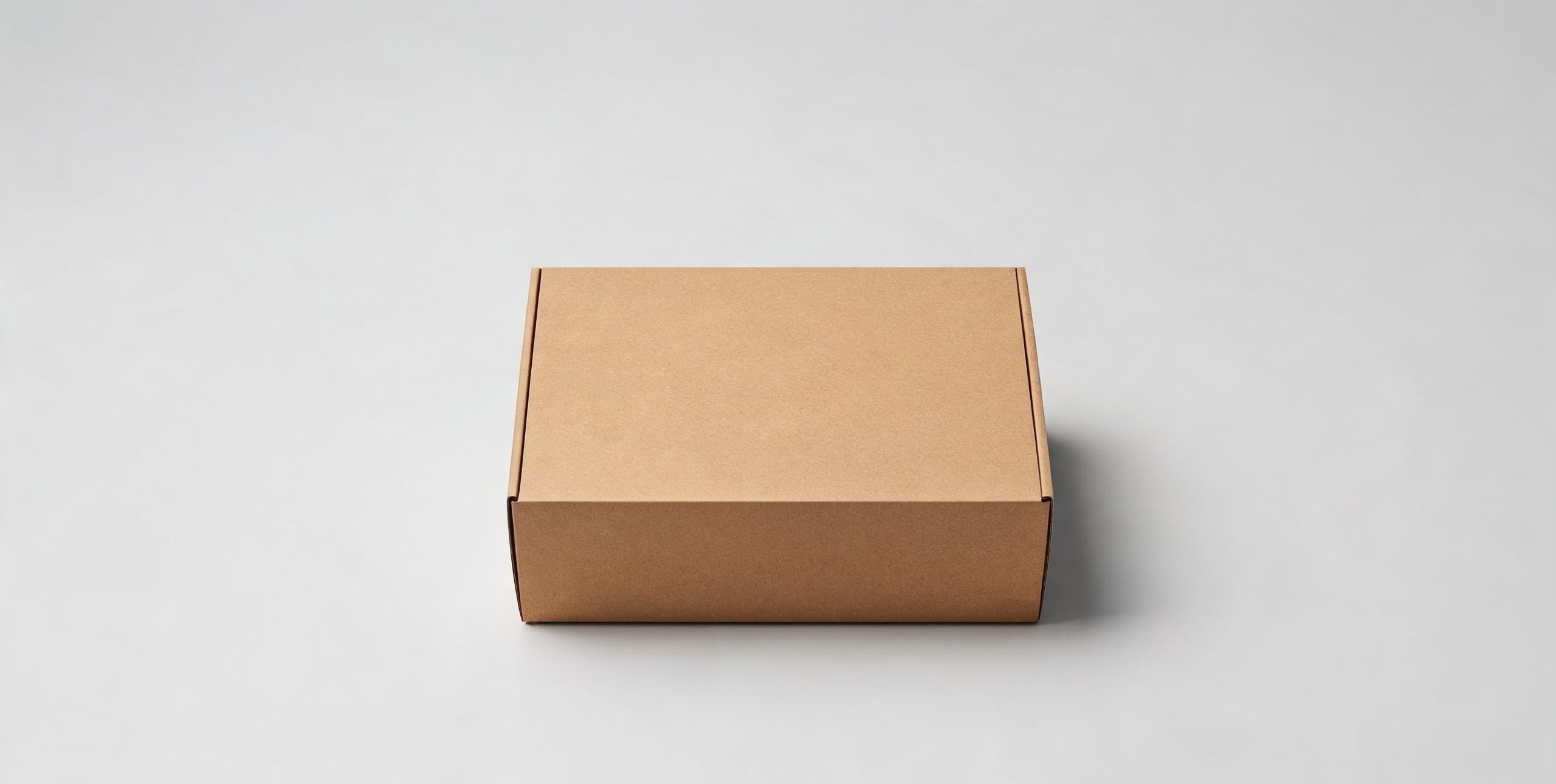
A flat 2D packaging dieline becomes a convincing packshot that looks photographed rather than drawn.
One logo expands into a family of product mockups for a launch kit.
Coordinated variation sets for catalogs and ad campaigns, where fifty images have to feel like one shoot.
Keeping frames consistent
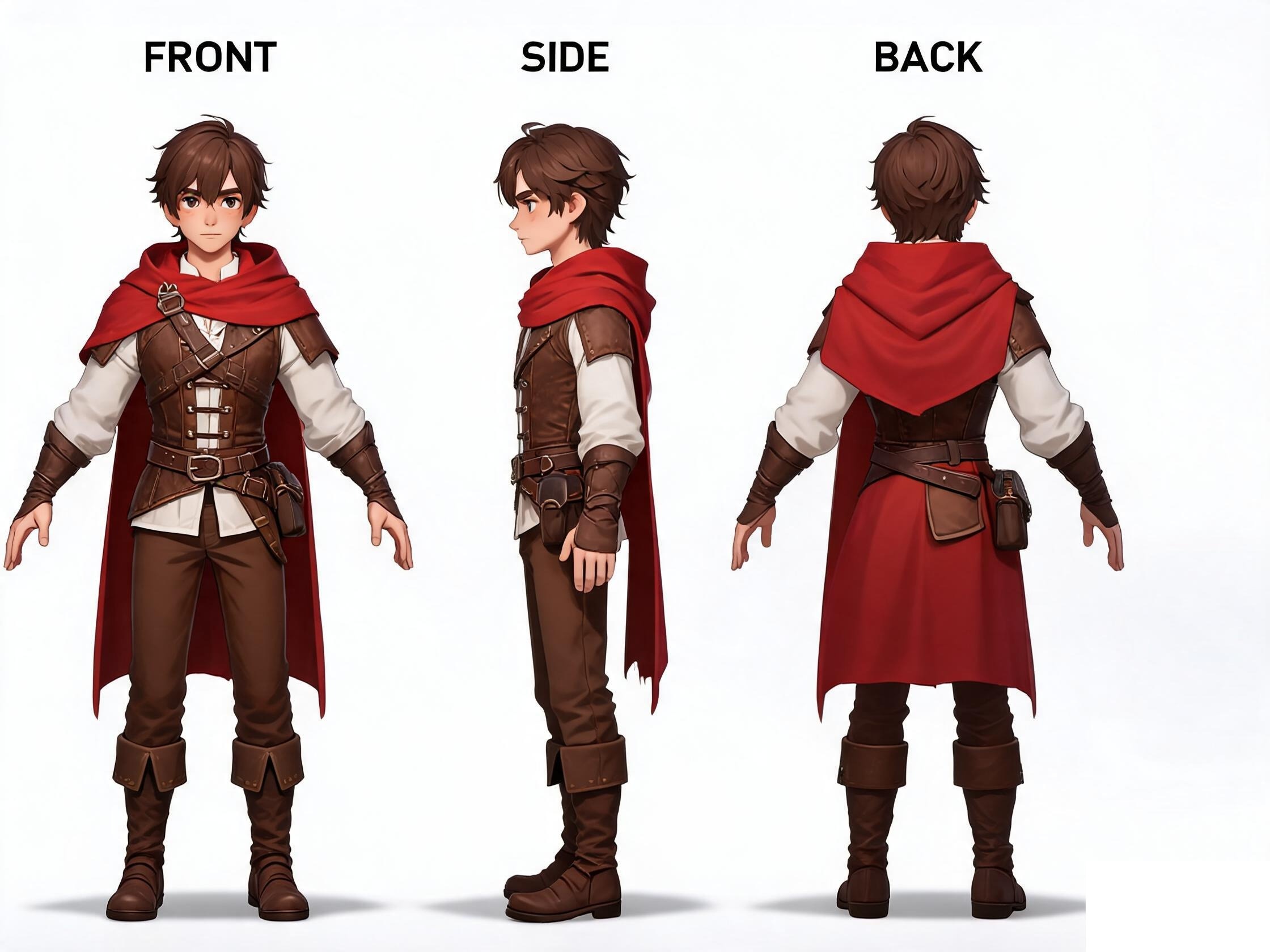
Consistency is the hard part of series work, and it is where most models quietly fall apart. Seedream 4.0 carries a set of controls aimed straight at that problem: style transfer that reinterprets a scene without wrecking its structure, depth cues to anchor layout, pose maintenance across angles, relighting from soft rim light to golden hour, small camera adjustments inside the scene, and inpainting for pinpoint fixes when only one corner needs touching.
For teams moving between stills and motion, the frame families it produces line up well with first-and-last-frame animation workflows, so storyboards and short spots read as one continuous story instead of a slideshow of strangers.
A few honest caveats
No model reads your mind. Vague prompts still produce average results, and anything headed for a live campaign should get a human pass before it ships. Hands, embedded text and brand-critical geometry are the usual places to double-check. That said, the gap between first draft and usable asset here is smaller than in most single-purpose tools, and the one-model design removes the handoffs where projects usually break.
Quick answers
Do I need separate tools for generation and editing?
No. That is the core idea. A single model handles text to image, instruction-based edits and multi-image composition.
What resolution does it output?
2K drafts return in seconds; output scales up to 4K when an asset goes into production.
Is it only for artists?
Plenty of users are marketers, product teams and content studios who need consistent commercial visuals, not fine art.
